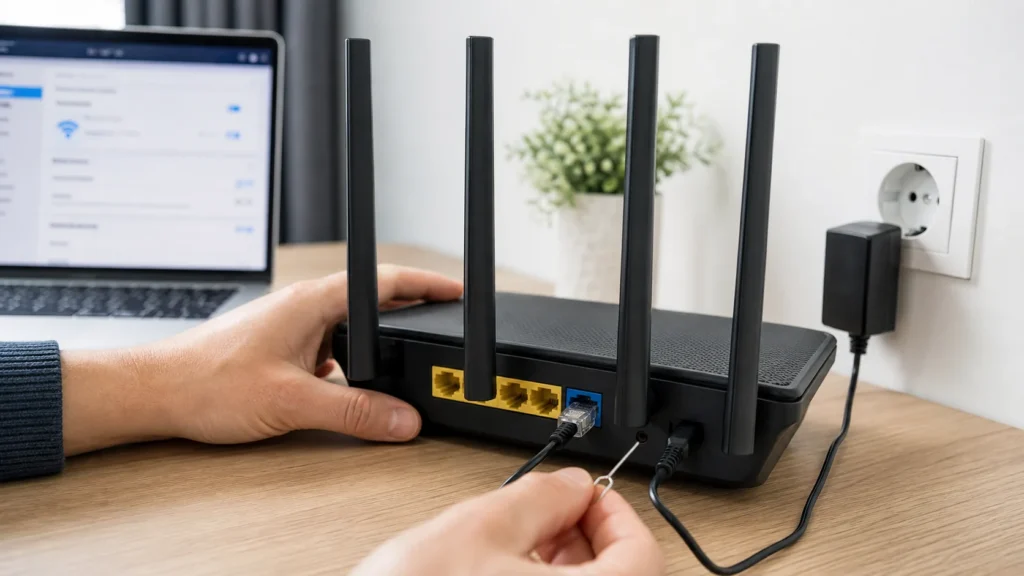
When the internet 'disappears,' people often immediately jam the reset pinhole on the router and create extra work for themselves. Much more often the problem lies somewhere in a chain: the incoming line, the modem, the Wi-Fi segment, a single device, or just a poorly placed home network spot. So the best approach is to first isolate where the fault is, and only then do a restart or a factory reset.
No special technical knowledge is needed, but it helps to know the difference between a plain restart and a factory reset, and to know that a wired connection and Wi-Fi don't always fail for the same reason.
1 Look at what the lights are actually telling you
Before doing any restarting, check which lights are on, which are blinking, and which is completely off. That's often the fastest way to tell the difference between 'the router is alive but has no internet' and 'the device has no incoming signal at all or never booted up.'
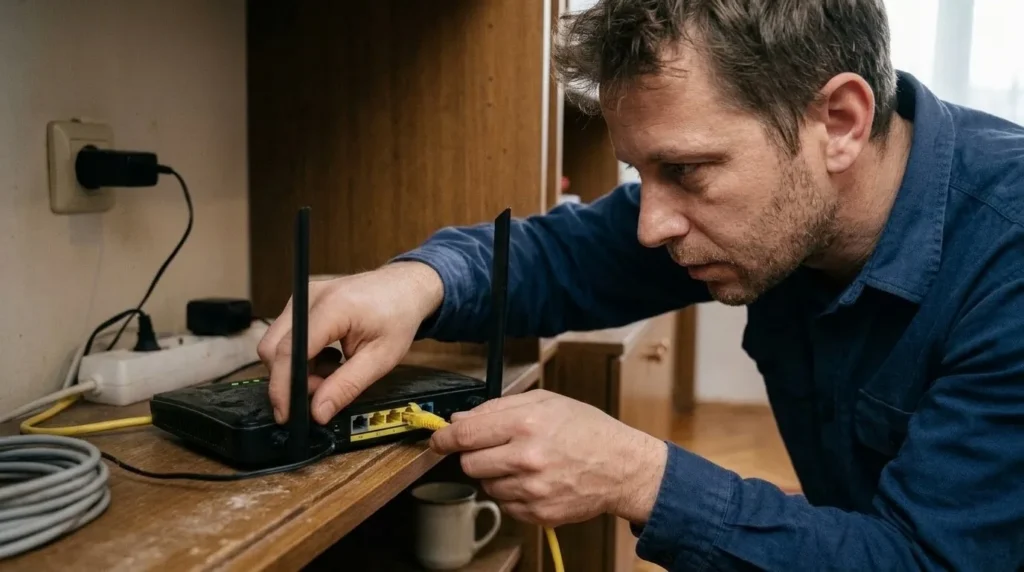
2 Check the cables and power supply without skipping this
Check the power adapter, the WAN cable, and any modem by hand, not just by looking from a distance. A loosely seated connector or a power plug that's only slightly pulled out creates a fault that looks much more serious than it is.
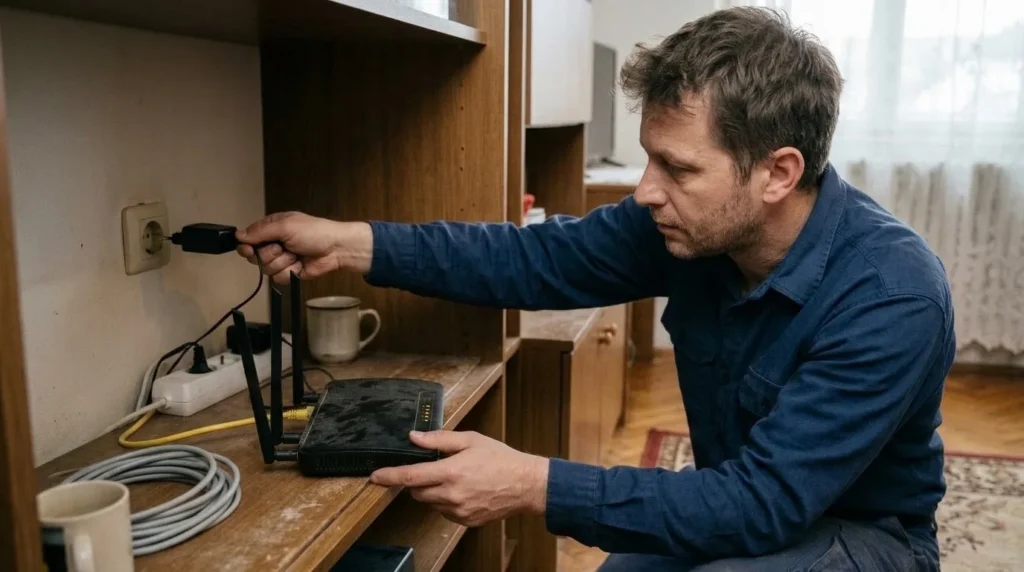
3 Do a plain restart in the right order
If you have both a modem and a router, turn both off first, then power the modem back on and wait for it to stabilize, and only then turn on the router. People often rush and declare it broken before the WAN connection has actually had time to come back up.
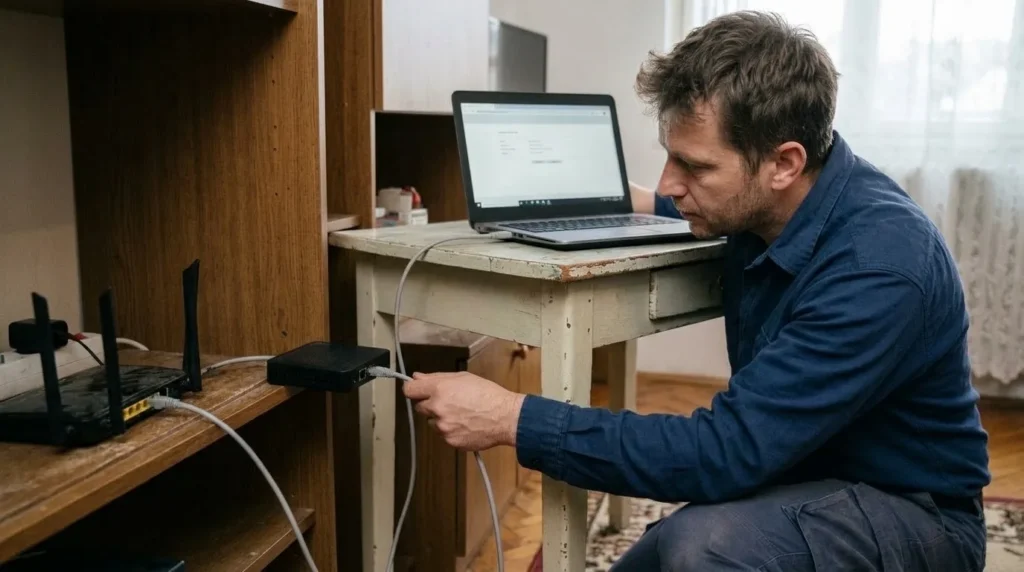
4 Separate an internet fault, a Wi-Fi fault, and a single-device problem
Connect one device to the router directly with a LAN cable and check whether the internet works that way, then check how at least one wireless device behaves. If it works over cable but not wirelessly, the focus is on Wi-Fi; if one device works and another doesn't, the fault isn't in the whole network but in that specific client or band.

5 Fix the router's position and the interference around it
A router tucked behind the TV, shut inside a cabinet, or pressed against metal surfaces almost always gives worse Wi-Fi than it could. A more open, higher spot often improves the signal more than half an hour of fiddling with settings.

6 Do a factory reset only once you know you need fresh settings
The reset pinhole is the last step, not the first, because it wipes the SSID, password, port forwarding, parental controls, and everything else that was configured. If you don't know your PPPoE credentials, admin access, or ISP-specific settings, a factory reset can leave you without anything that used to work.
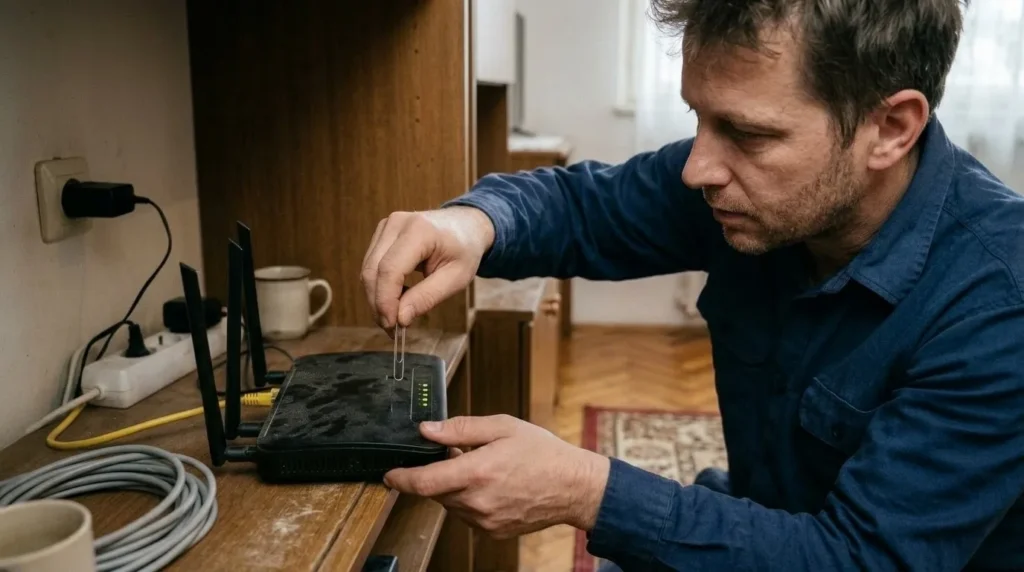
7 Update the firmware or call the provider when the problem isn't local
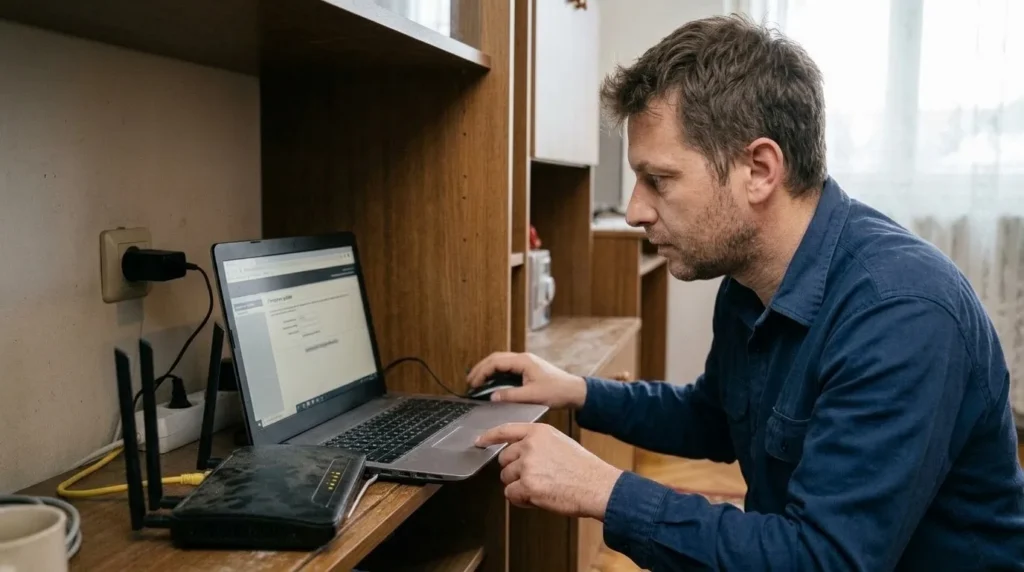
If a direct connection without the router still gives no internet, or the WAN light keeps showing no incoming signal, it's time to hand the problem to the provider instead of cycling the same router over and over. If the fault is indeed local and the router boots up fine, firmware and admin settings are the next step.
Final check
- It's clearly established whether the fault was in the incoming line, the router, the Wi-Fi, or a single device.
- The internet works stably on at least one wired and one wireless device.
- If a reset was done, the network name and password are set and written down.
- The router sits in a more open spot and isn't crowded around the antennas or ventilation.
Common problems
- Wi-Fi exists, but there's no internet on any device.
- That usually means the local network works but the WAN or uplink doesn't. Shift focus to the modem, the WAN cable, and the status with the provider, not to changing the Wi-Fi password.
- One device connects, another stubbornly can't.
- Then the problem is more likely in that device, an old saved network profile, or the 2.4/5 GHz band, rather than the whole router. Forget the network on that device and try again.
- After a factory reset, nothing works like it did before.
- That's expected if the earlier ISP or local settings weren't restored. Go back to the admin panel, the provider's documentation, or their call center instead of doing another random reset.