⚠ Safety note: This guide involves working with electricity. If you're not completely sure about every step, stop and call a licensed professional. Before you start, always switch off the power at the breaker or close the main water/gas valve.
1 Prepare safe work
Turn off the device, unplug the charger, and remove the battery if it is user-replaceable. Save data when you can, and do not open mains power supplies, displays, or capacitor assemblies.
⚠ Warning: Do not open a glued earbud and do not charge it if it is heating up or the battery is swollen.
2 Determine the problem pattern
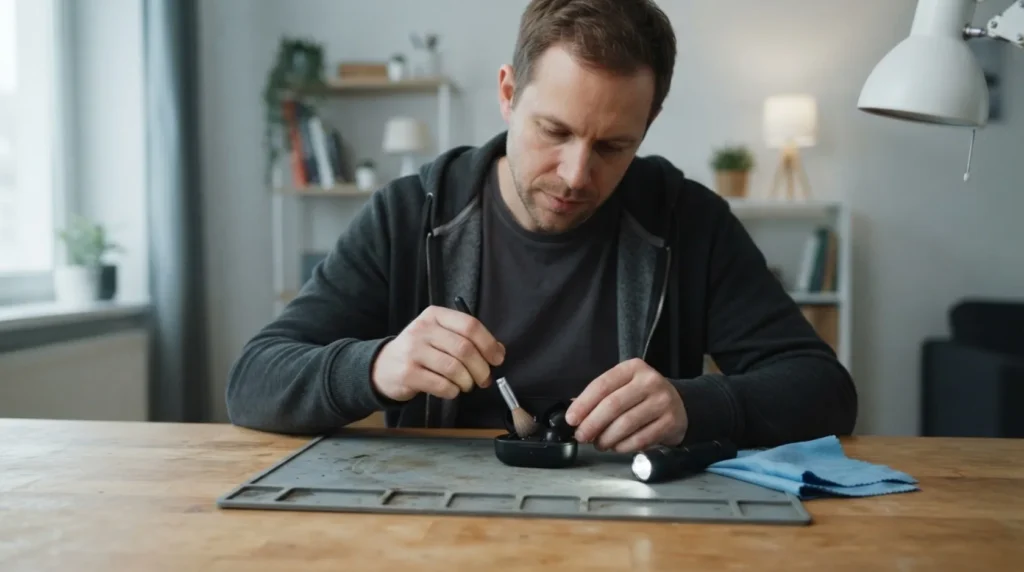
Clean the dry contacts on the earbud and the case, then confirm that each one shows charging separately.
3 Check the most common cause
In the Bluetooth settings, forget the old pair, reset both earbuds with the manufacturer’s exact button combination, and pair them together again.
4 Apply the right fix
Swap sides in the case if the design allows it, and check the sound balance and the phone’s mono settings.
? Tip: Take a photo of the starting state and change only one thing at a time so you know which check actually affected the result.
5 Test the result and set the limit
Put the parts back and test only one change at a time. Record lights, sounds, and error messages; overheating, smoke, smell, or a swollen battery require immediate shutdown.
When to call a professional: If the job involves changes to the electrical panel, the main gas line, or load-bearing walls/beams — or if you're not sure how it will turn out — this is not a DIY task. Hire a licensed professional.