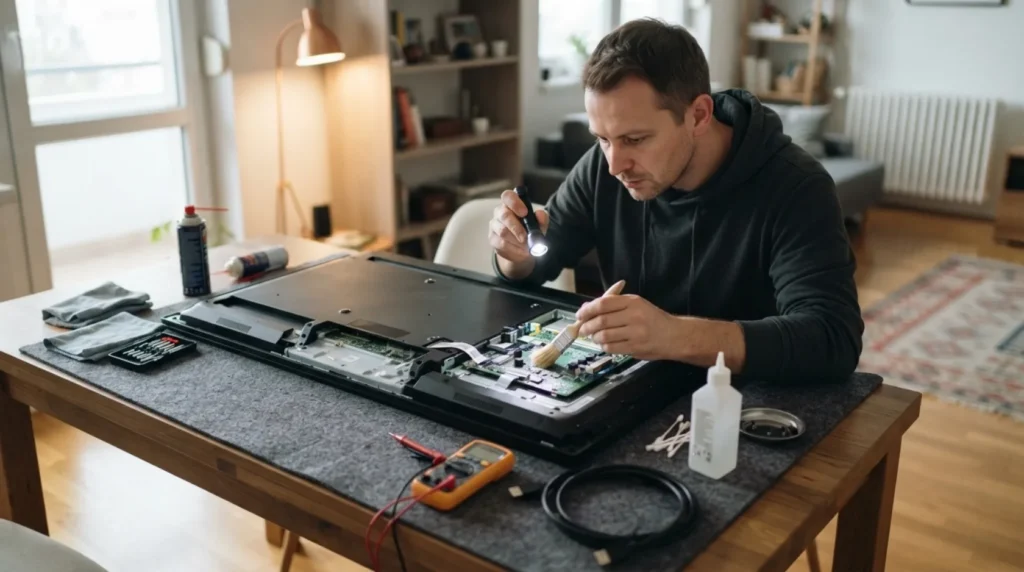
A TV that has sound but no picture often points to a problem with the backlight, the signal, or the internal screen electronics. It's important to first separate what you can safely check from the outside from what shouldn't be opened without experience, since parts inside a television can remain dangerous even after it's switched off.
You need basic familiarity with signal sources, the remote control, and a quick flashlight test. Opening the TV's casing without experience and protection isn't recommended for a DIY attempt.
⚠ Safety note: This guide involves working with electricity. If you're not completely sure about every step, stop and call a licensed professional. Before you start, always switch off the power at the breaker or close the main water/gas valve.
1 Confirm the TV is actually working and that the problem isn't just the signal source
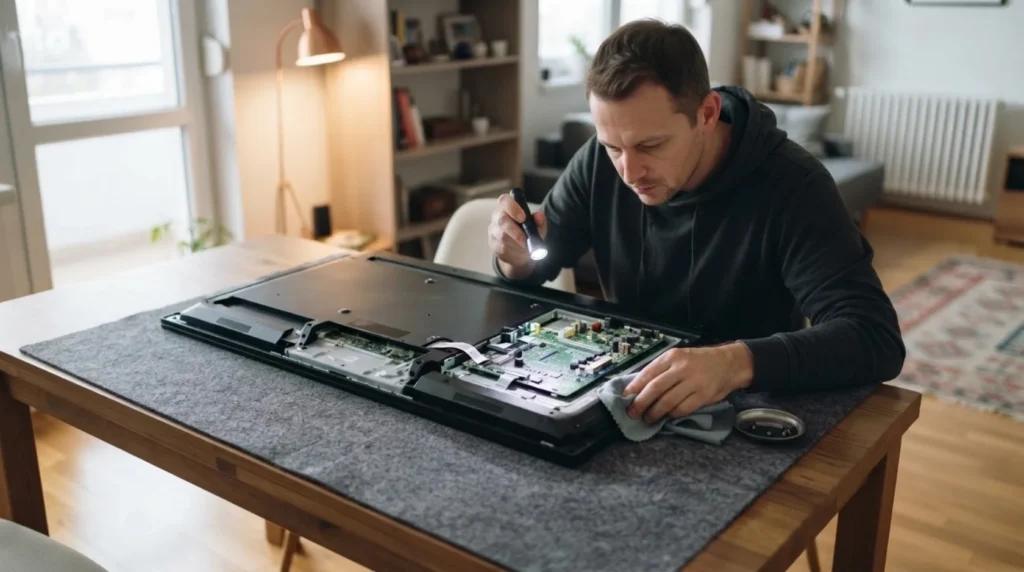
Check whether it responds to the remote, changes inputs, and whether you can hear the menu, an app, or an audio signal from another source. Sometimes you get sound from one device but a black screen simply because the problem is actually the wrong HDMI input or signal source.
2 Do a flashlight test on the dark screen
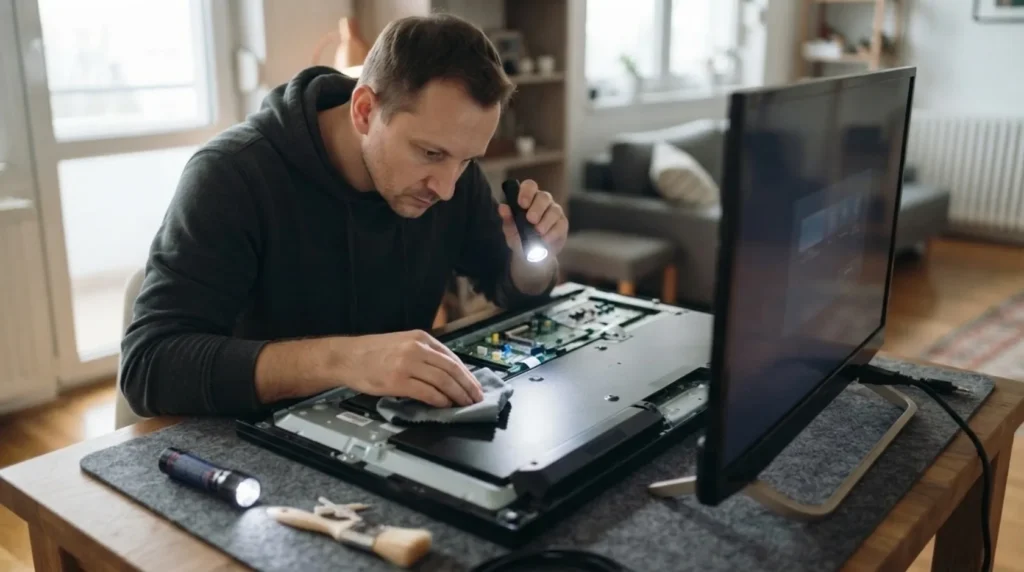
In a darkened room, aim a strong flashlight at an angle toward the screen while the TV is on. If you can make out a picture or the outline of a menu in the depths, that often means the panel is displaying content, but the backlight isn't working properly.
3 Tell a backlight fault apart from a total absence of picture
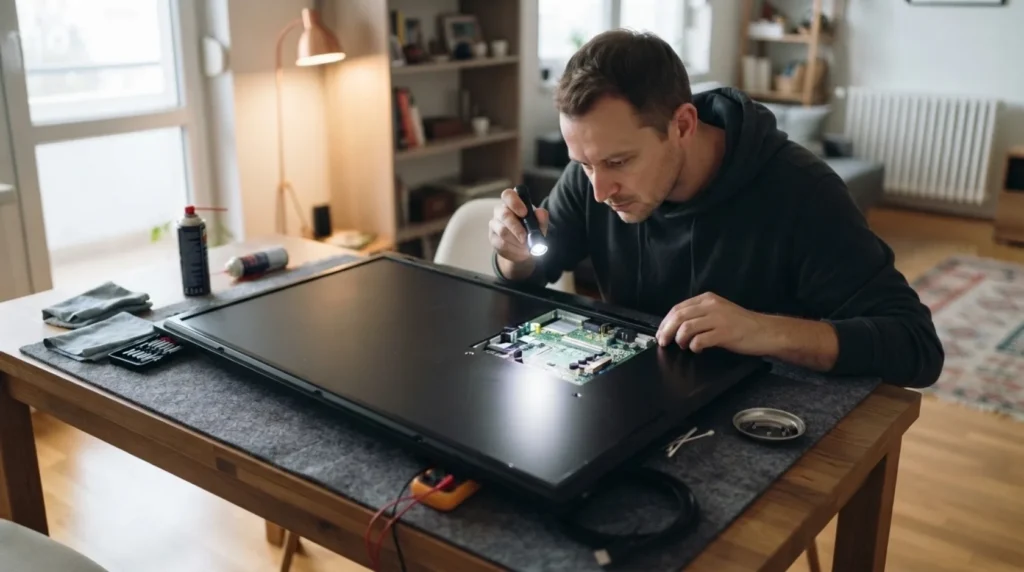
The backlight and the panel aren't the same thing, so it matters whether the TV simply isn't lighting up or isn't forming a picture at all. This distinction determines whether it makes sense to look further into a backlight strip issue, a power supply fault, or something deeper.
4 Check the external cables and restart before drawing conclusions
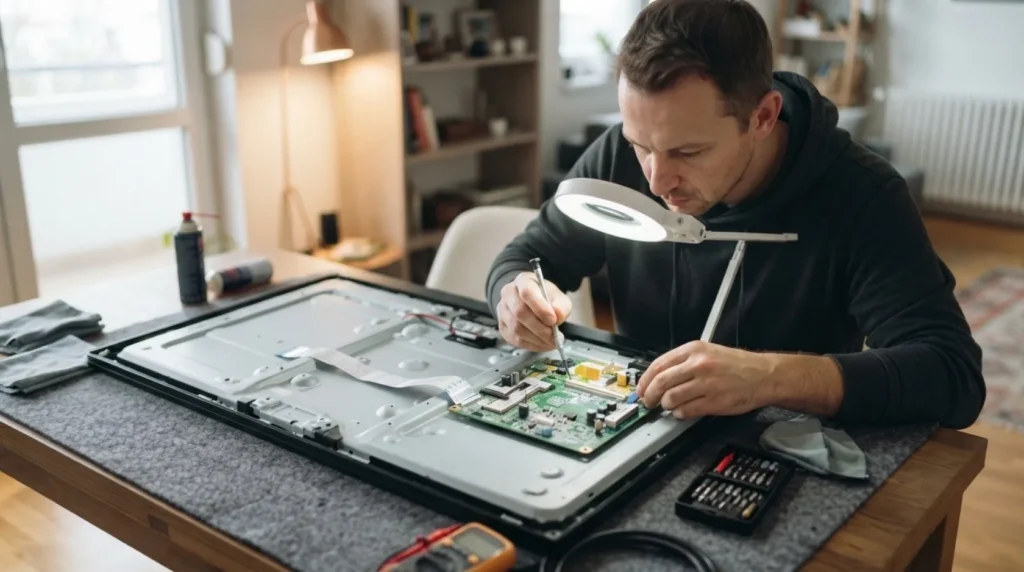
Unplug the TV from power for a few minutes, check the HDMI cables, and try a different picture source if possible. These checks seem trivial, but they're worth doing before accepting that the fault is inside the unit.
5 Stop at the edge of a DIY check and plan for service
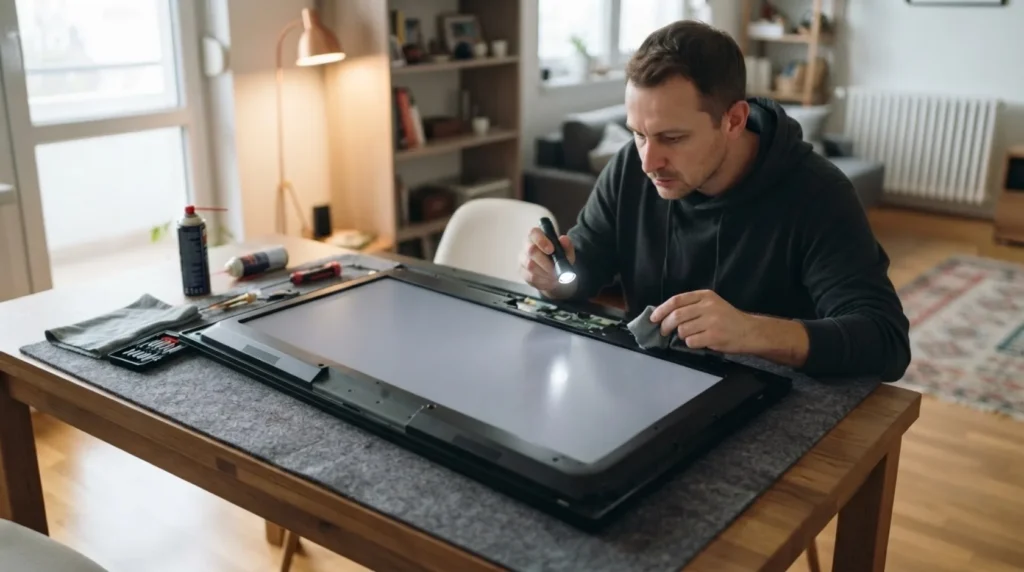
If the flashlight test points to an internal fault, or the TV behaves unstably, don't open it without the knowledge and tools for it. With thin panels and power supplies, it's far easier to cause more damage than to pull off a successful amateur repair.
When to call a professional: If the job involves changes to the electrical panel, the main gas line, or load-bearing walls/beams — or if you're not sure how it will turn out — this is not a DIY task. Hire a licensed professional.
Final check
- It's clear whether the problem comes from the signal source, the backlight, or a deeper picture fault.
- The external cables and source have been checked before deciding on service.
- The TV hasn't been opened blindly after the basic, safe tests.
Common problems
- The flashlight test reveals a picture, but the screen stays dark.
- This often points to a problem with the backlight or its power supply. That's information for the service technician, not a cue to blindly disassemble the screen.
- There's no picture and no menu, only sound from the source.
- Check a different input and a different signal source, and only then suspect an internal fault in the panel or the board.