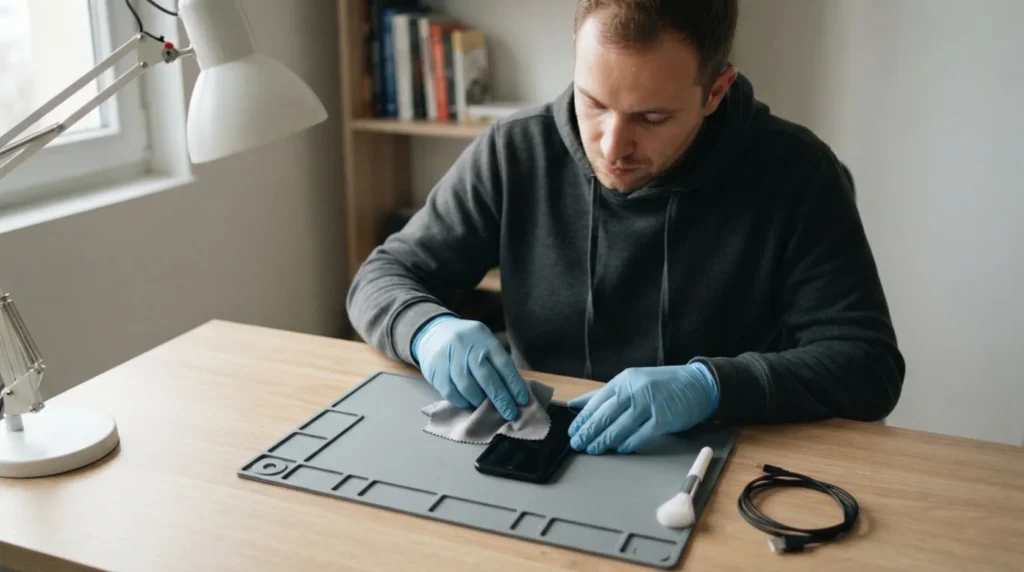
A phone that won't charge doesn't necessarily mean a dead battery; very often the problem is the cable, the adapter, the charging port, or a protective system routine. The order of checking matters, because it's much easier to rule out a simple cause than to immediately suspect an expensive repair.
You need basic familiarity with cables, chargers, and visually inspecting the port. If the port looks burnt, loose, or the device has recently been in water, don't attempt aggressive cleaning with metal objects.
⚠ Safety note: This guide involves working with electricity. If you're not completely sure about every step, stop and call a licensed professional. Before you start, always switch off the power at the breaker or close the main water/gas valve.
1 Check whether the problem is the cable, the adapter, or the outlet
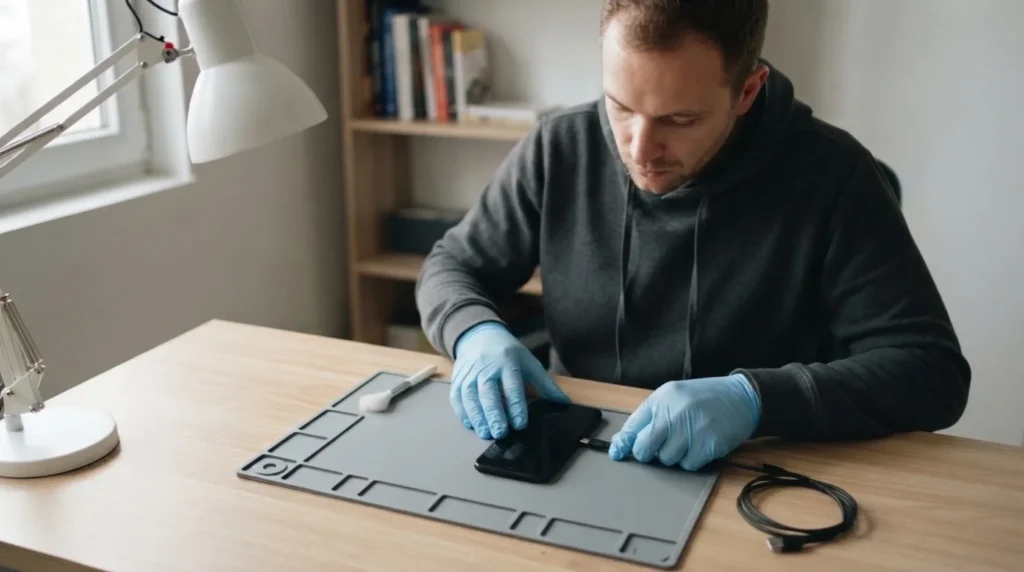
Try a different working cable, a different adapter, and if possible a different outlet before anything else. A cable that looks fine on the outside can have a break right at the connector and give the impression that the phone is at fault.
2 Inspect the phone's port for dust and damage
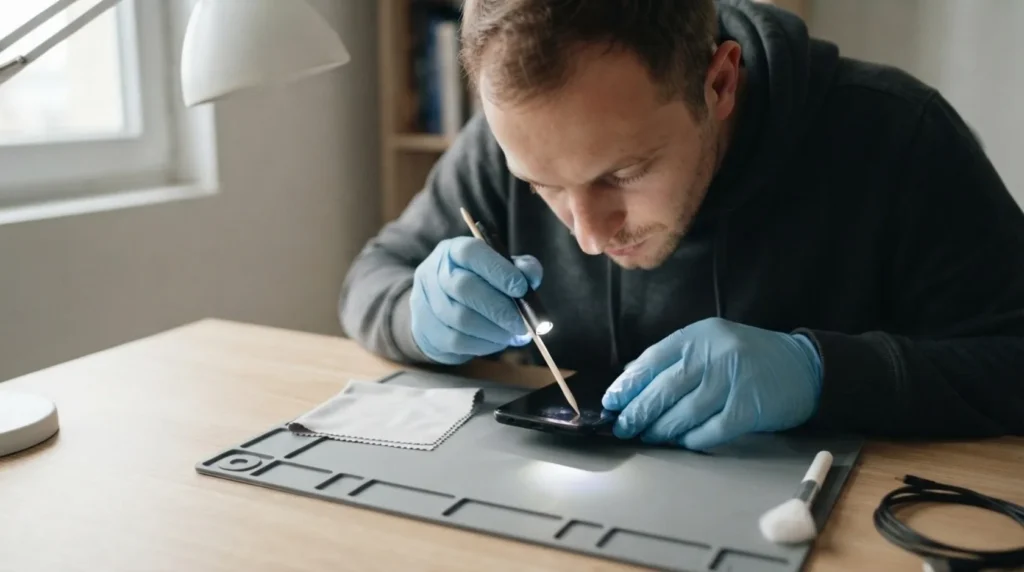
Pocket lint often builds up in the port and stops the connector from seating fully. If you see compacted debris, clean it carefully with a non-metal tool and without forcing it, which can bend delicate contacts.
3 Watch whether the phone reacts to the charger at all
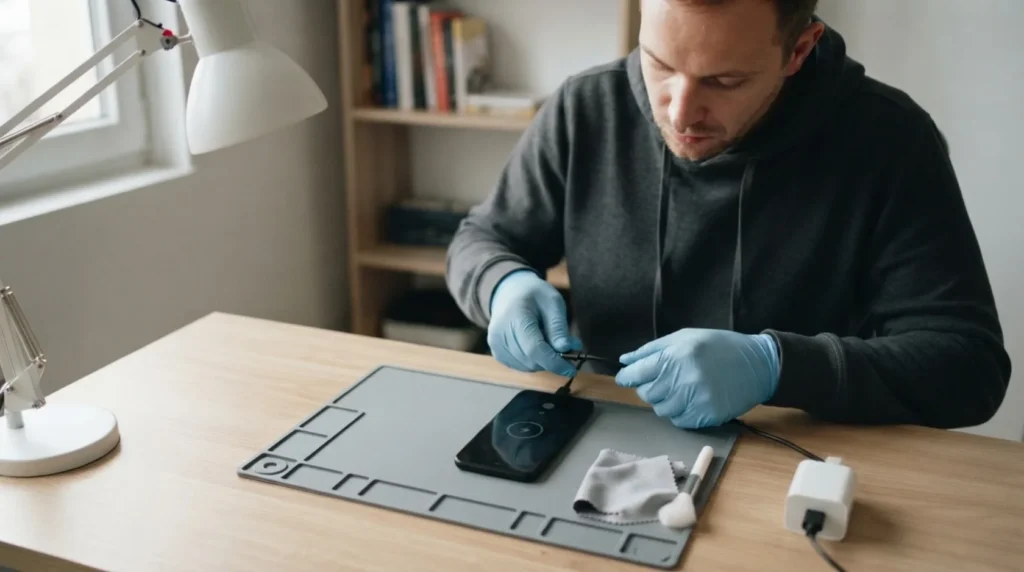
It matters whether a charging icon, a vibration, a brief interruption followed by a retry, or complete silence appears. That reaction tells you a lot about whether power is reaching the device or the system is refusing to charge for another reason.
4 Check the temperature and any system protection

An overheated or too-cold phone can temporarily refuse to charge even though the cable and adapter are fine. If the device was in the sun, in a car, or under a blanket while running, let it return to normal before drawing any conclusions.
5 If the basic checks don't help, plan service for the port or battery
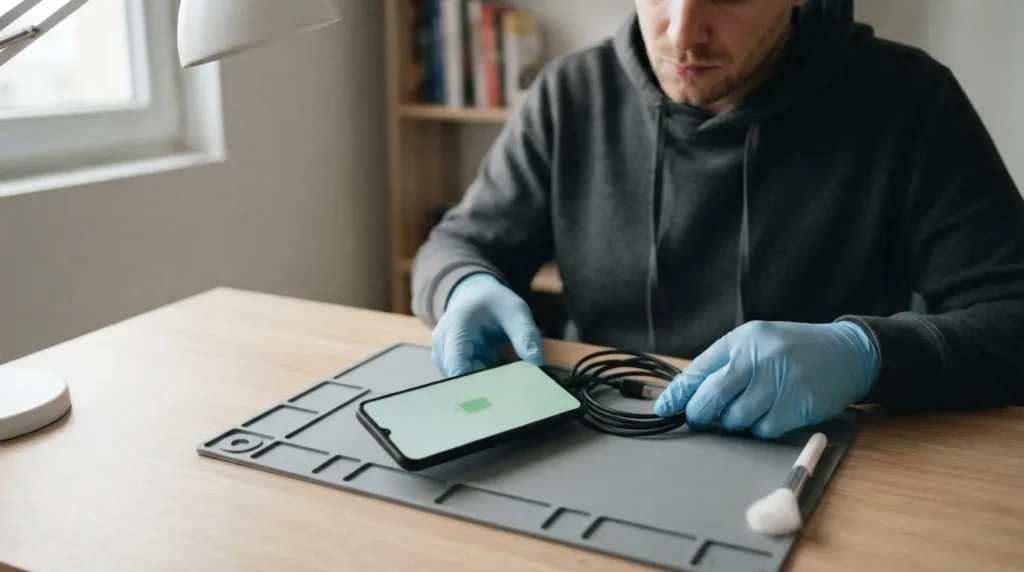
When several working chargers give no result, and the port feels loose or charging only happens at a certain angle, the problem is likely mechanical or battery-related. At that point it's better to stop than to keep wearing down the connector with constant attempts.
When to call a professional: If the job involves changes to the electrical panel, the main gas line, or load-bearing walls/beams — or if you're not sure how it will turn out — this is not a DIY task. Hire a licensed professional.
Final check
- The cable, adapter, and outlet have been checked before suspecting the phone itself.
- The port is clean and the connector seats without wobbling or interruption.
- It's clear whether the phone reacts to the charger or isn't charging at all.
Common problems
- The phone only charges when I hold the cable at a certain angle.
- This often means a mechanically worn or dirty port. Forcing the cable further usually just makes the problem worse.
- Charging starts briefly, then stops.
- Check a different cable and adapter, then the port and the device's temperature. This behavior rarely happens without a specific reason in the connection or the protection system.