
An LED bulb that briefly flickers or glows faintly while the switch is off usually doesn't have a 'mysterious' fault — it's receiving a small residual current through an illuminated switch, a dimmer, or a miswired conductor. You can do part of the check yourself if you know how to safely switch off the circuit and can tell the switch, the bulb, and any dimmer apart. If several light fixtures show the same symptom, if the switch heats up, or you're not sure where the live wire is, hand the job to an electrician.
You need to be able to safely switch off the circuit and have a basic understanding of how the switch, light fixture, and LED bulb are connected. It helps to know that an illuminated switch and an unsuitable dimmer often cause this symptom without any serious fault.
⚠ Safety note: This guide involves working with electricity. If you're not completely sure about every step, stop and call a licensed professional. Before you start, always switch off the power at the breaker or close the main water/gas valve.
1 Check whether the problem is caused by one bulb or the whole light fixture
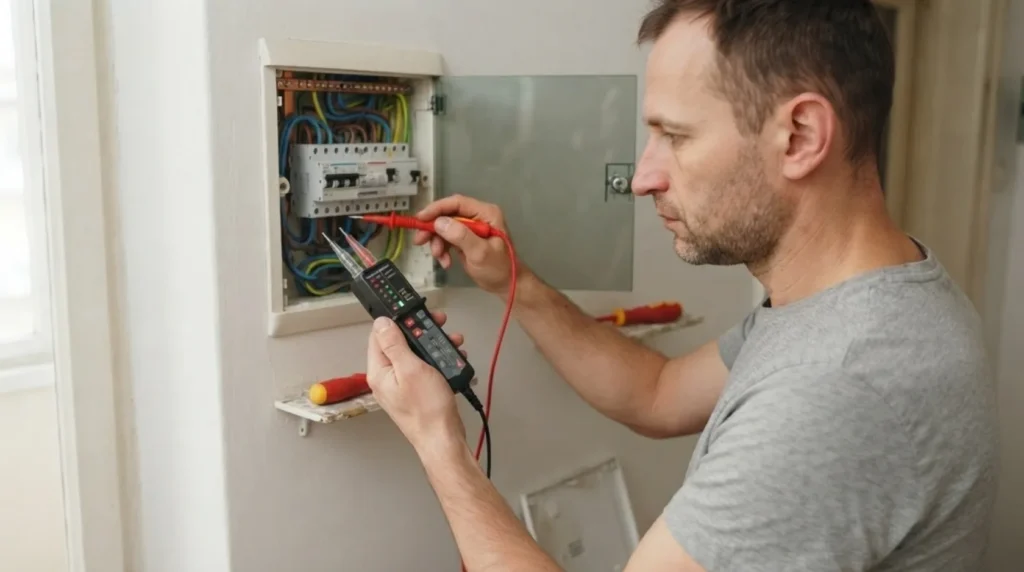
If possible, swap just that LED bulb for another known-good one and observe the behavior. This quickly separates a faulty or oversensitive bulb from a problem in the circuit itself. Also note whether the flicker looks like a brief flash every few seconds or a constant faint glow, since that difference helps pinpoint the cause.
2 Check whether the switch has a pilot light or illuminated indicator
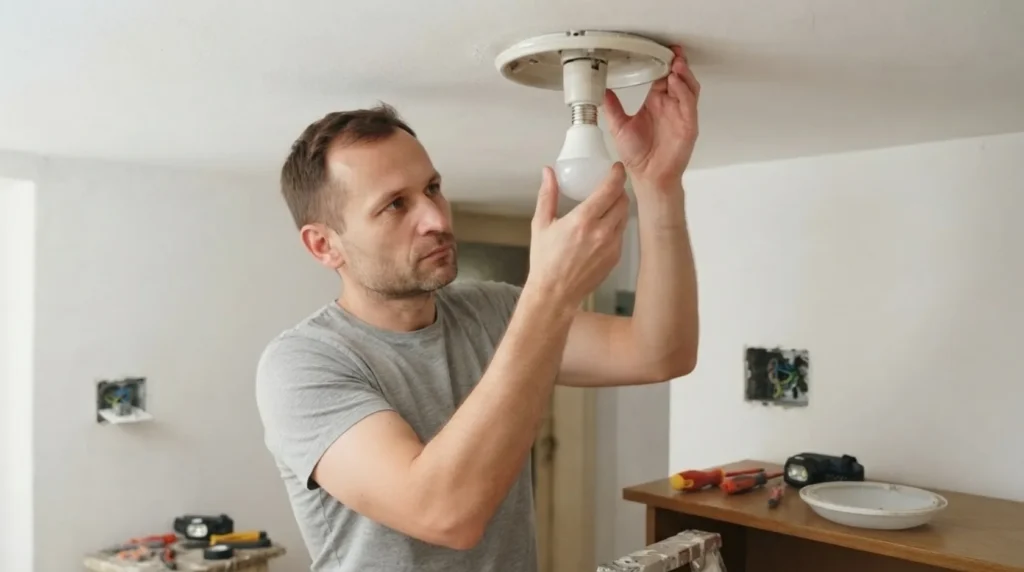
A very common cause is an illuminated switch that lets a small current through the LED electronics even when it's off. If the switch has a small pilot light or lit marker, note that as the first suspect. With an incandescent bulb this often goes unnoticed, but an LED can flicker on such a small current.
3 Check whether there's a dimmer and whether it's compatible with LED lighting
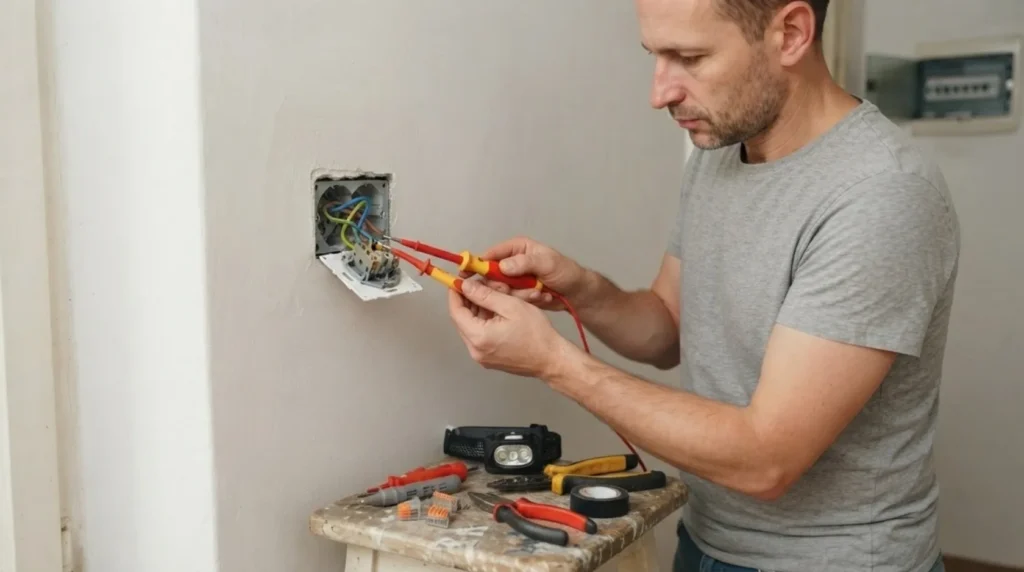
If the light isn't controlled by an ordinary switch but by a dimmer, check whether the dimmer is rated for LED loads. Old dimmers are a common cause of flickering, even when the light is off or set to minimum. Neutral wiring, minimum load, and the driver type all play a major role here, so it's not enough to just swap the bulb and hope for the best.
4 Switch off the circuit before inspecting the wiring
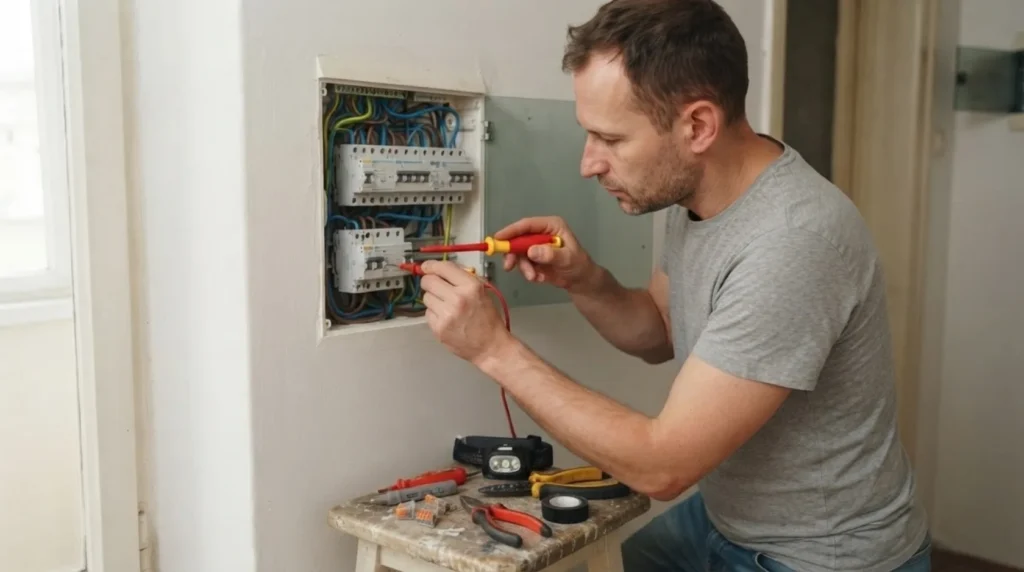
If the previous steps haven't clarified the problem, switch off the breaker for that lighting circuit and confirm there's really no voltage at the work site. Only then does it make sense to inspect the accessible connections in the switch or light fixture, and only if you're sure what you're looking at. A loose neutral wire, a misrouted live, or an improvised connection can produce the same symptom, but this is no longer a zone for guessing.
5 Confirm the fix without randomly swapping multiple parts
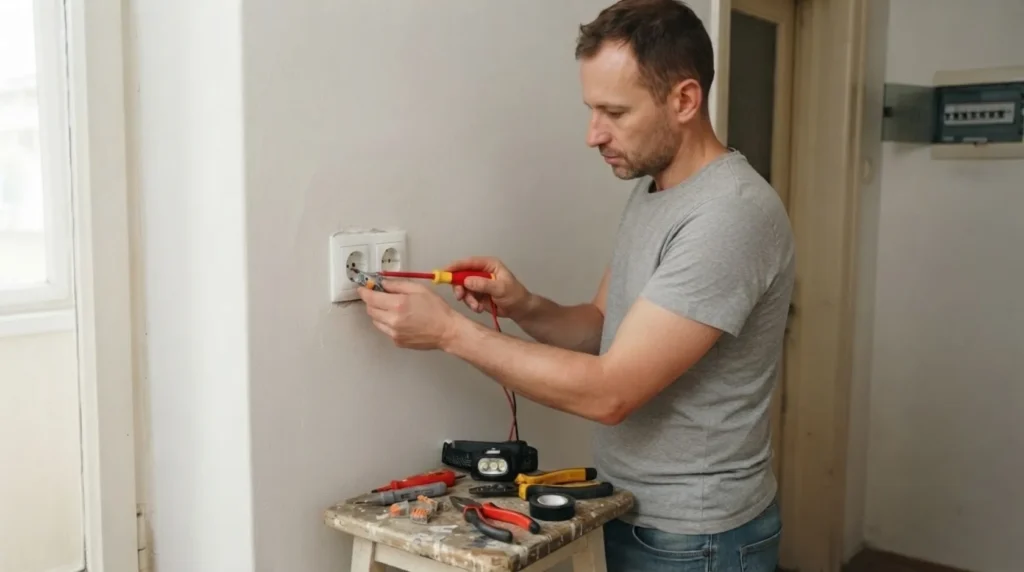
Once you find the likely cause, change only one element at a time: the bulb, a switch without an indicator, or an LED-compatible dimmer. A clear, isolated fix is better than piling on extra components without a diagnosis. If the flickering still returns at several light fixtures afterward, it's very likely that the problem isn't the bulb itself but the wiring connections or layout.
When to call a professional: If the job involves changes to the electrical panel, the main gas line, or load-bearing walls/beams — or if you're not sure how it will turn out — this is not a DIY task. Hire a licensed professional.
Final check
- When the switch is off, the bulb no longer flashes or stays in a faint glow.
- The switch and light fixture work normally without heating up or making unusual buzzing.
- It's clearly confirmed whether the cause was the LED bulb itself, an illuminated switch, or a dimmer.
- If the same symptom exists at several locations, a DIY check isn't enough without inspecting the wiring.
Common problems
- A new LED bulb flickers the same way the previous one did.
- It's unlikely that both bulbs happen to be faulty. The cause is much more often the illuminated switch, dimmer, or wiring that lets a small residual current through.
- The flickering disappeared after one test, then came back later.
- This often means the cause wasn't a random contact issue but a constantly present small current that depends on the connection, driver type, or dimmer. Don't consider it permanently solved until the light stays off for several evenings in a row.
- The switch is warm or you hear a faint buzzing.
- That's no longer just a cosmetic flickering issue. Heating or buzzing indicate a connection or component that isn't working properly, and that's when you should stop DIY attempts.